Do I need a graphics card?
No. The embedding and reranking models run on the CPU when nothing else is available. A GPU makes saving and recall faster on a large memory, and CortexMind picks it up on its own: Metal on Apple Silicon, Vulkan on NVIDIA, AMD and Intel cards.
Where is my data?
In one database file in your home folder. You can back it up, copy it to another machine or delete it like any file. Nothing is synced to a server.
Which agents can use it?
Any tool that speaks MCP. Tools that run on your computer connect directly, with nothing extra to turn on: Claude Code (and the Code tab in Claude Desktop), Codex in the terminal or in the ChatGPT desktop app, Cursor, Grok Build and other coding agents. The chat in claude.ai, Claude Desktop and ChatGPT connects from their own servers, so those need the hosted tunnel, which you turn on in the app.
Connect ChatGPT or Claude on the web
How does the agent know when to remember?
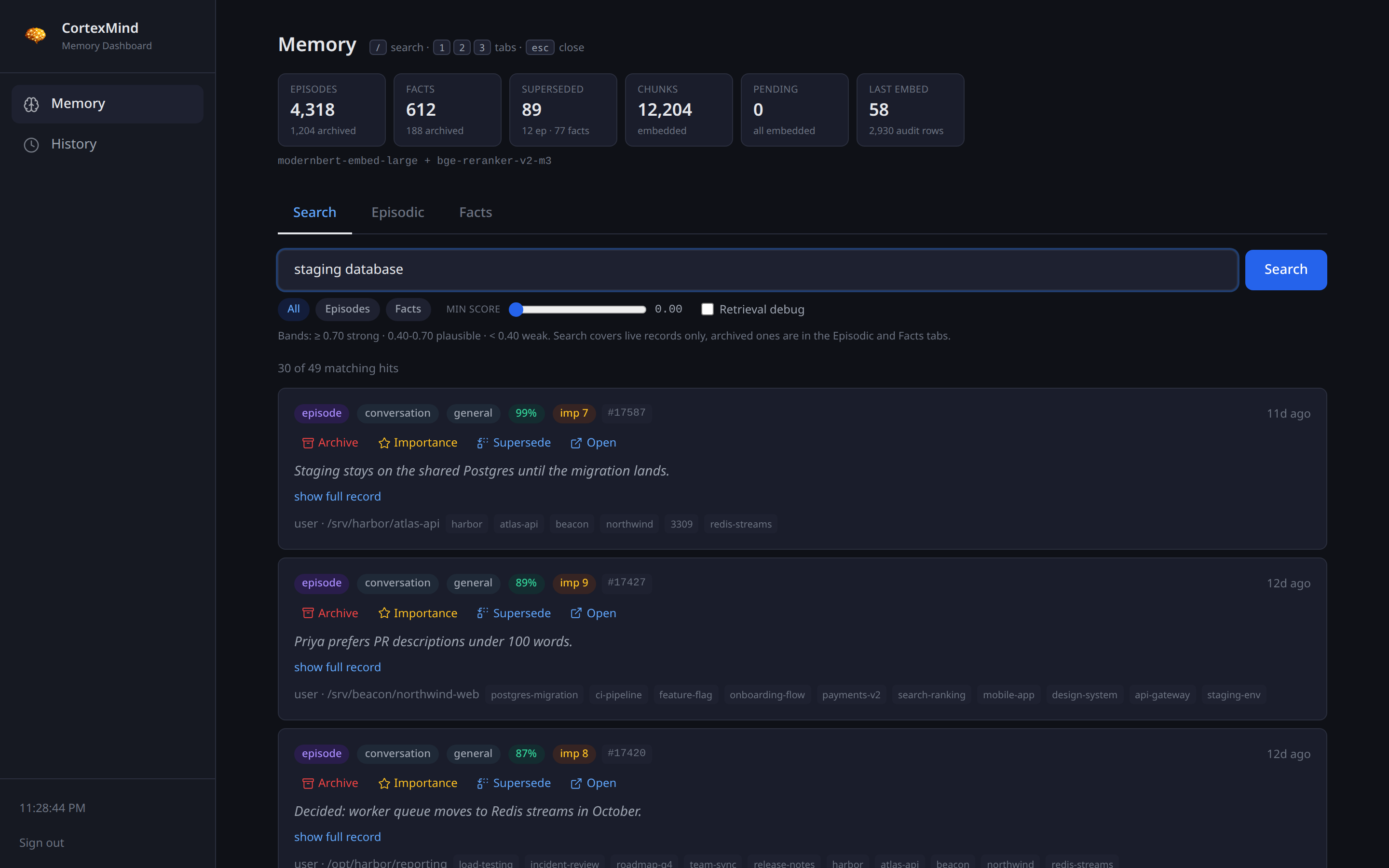
It is told to. The tools carry their own instructions: load your memory at the start of a conversation, search as the topic moves, and save before the turn ends. A short block in your CLAUDE.md or system prompt turns that into a habit, and the docs page has the block to paste. Everything it saves appears in your dashboard, so you can see what it kept.
Can several agents share one memory?
Yes, that is the point. One daemon on your machine serves every client you connect, so what one agent learns the next one knows.
What happens if I cancel?
The app keeps working until the end of the paid period, plus a 72-hour offline grace. Your database stays on disk untouched. Subscribe again and everything is back.
What leaves my machine?
The license check talks to Polar. If you turn on the hosted tunnel, requests from hosted agents pass through the relay to your machine over HTTPS. Your memories are never uploaded anywhere.
Is there a refund?
The monthly plan starts with a 14-day trial so you can decide before paying anything. For anything else, write to [email protected].
What about the memory my AI already has?
Your AI moves it over first. The setup prompt has it read what it already remembers, from memory files on disk or a built-in memory feature, and save each durable fact into CortexMind. Only then is the built-in memory switched off, and the prompt never asks it to delete anything. It has to be off because otherwise your AI keeps saving new things in the old place, and you end up with two memories that disagree. In most apps your agent tells you where the switch is and asks you to turn it off.
See the side-by-side test
Does my computer need to stay on?
Only while you want the memory available. For most people CortexMind runs on the computer they are working on and starts with the session, so there is nothing to think about. If you want claude.ai, ChatGPT or the phone apps to reach your memory at any hour, the machine running CortexMind has to be on and reachable at that moment: leave a home computer running, or install CortexMind on a small VPS in the cloud so it is always online.
How do web and phone apps reach it?
Through the hosted tunnel. Turn it on in the app and CortexMind gets an HTTPS address that claude.ai, ChatGPT or any remote MCP client can add as a connector, signing in with OAuth. The tunnel is EtherTunnel, a separate product: your CortexMind license includes a free EtherTunnel license with one tunnel. Discover EtherTunnel
Why does it run on my computer and not in the cloud?
On purpose. Your memory holds your decisions, your clients and how you work, so it stays on your machine instead of on someone else's server. No CortexMind server stores your memories, so there is nothing of yours for us to lose or read. Search runs on your own hardware: about a second on a desktop graphics card, about seven seconds on an M4 MacBook Air, longer with no graphics card. The trade-off is that the computer running CortexMind has to be on when you use it.
Can I use it on two computers?
Yes, with one memory. Install CortexMind on one computer and turn on the hosted tunnel in the app. On the other computer, add the tunnel address to your AI tools and sign in. The computer running CortexMind has to be on. A license covers one install and its one memory database. Two separate memories work against the point, but if you do want them, that is one license each.